
To share your VPS with another user, you will need to obtain a “Share Token” from the other user. Please send this article to that user so they know how to obtain one. After you have received their share token, you can skip to Sharing A VPS.
Getting Your Share Token [Other User]
First, you will need to log in to the VPS panel. If you do not already have an account, please open a ticket requesting a “VPS Panel Account”. After you have logged in, you will need to go to https://vps.rackgenius.com/account by clicking on your name and photo, then clicking “Account”.
Once you’re on the Account page, click Sharing, then “Generate Token”
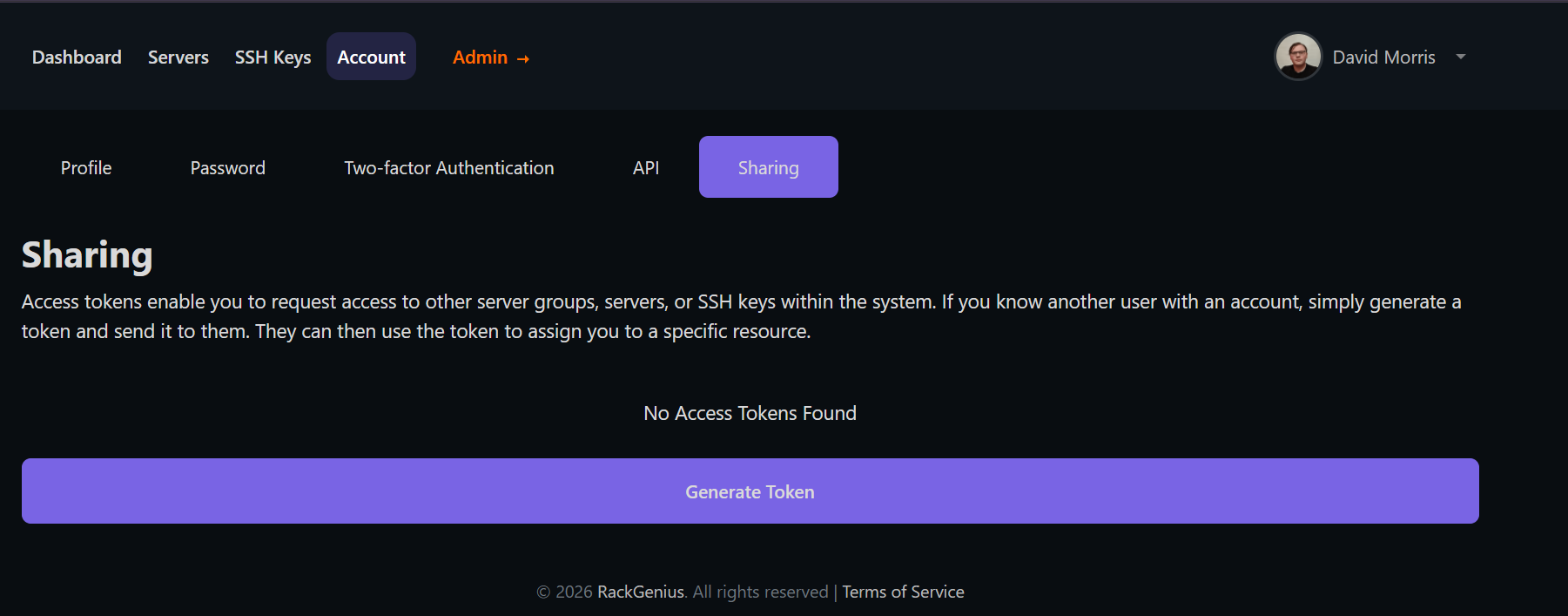
After the token has been successfully made, you will see a list of them in this tab
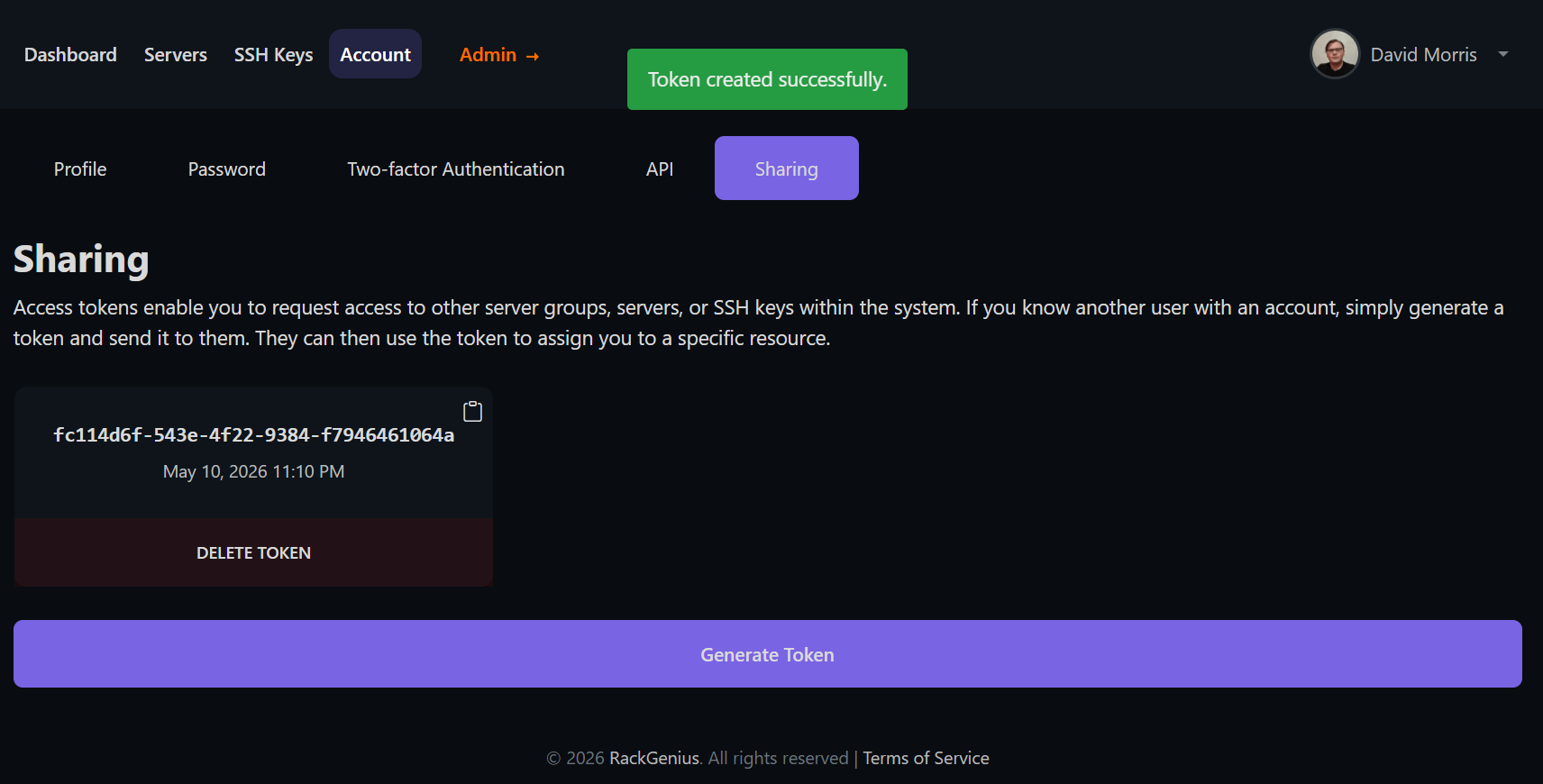
Note: Each Sharing token is a one-time use. You will need to create another if someone would like to share another server with you
Sharing A VPS [VPS Owner]
Select the VPS you want to share, navigate to the “Sharing” tab now, in the box under Token, paste the Share Token the other user has sent you, then click Grant Access.
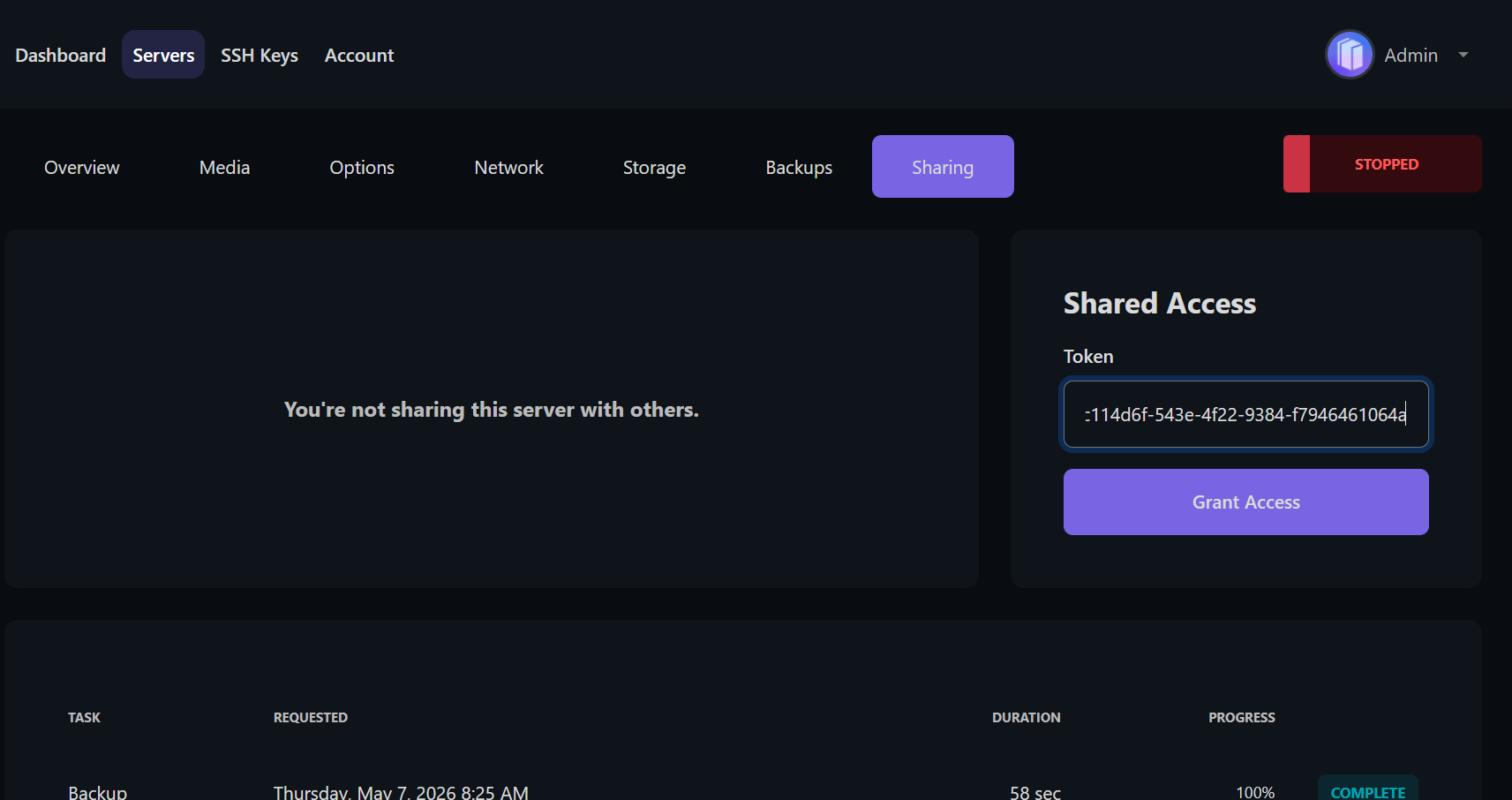
The user should now show up in a list next to this section, verify that the name matches and then toggle on all items you would like to share with that user.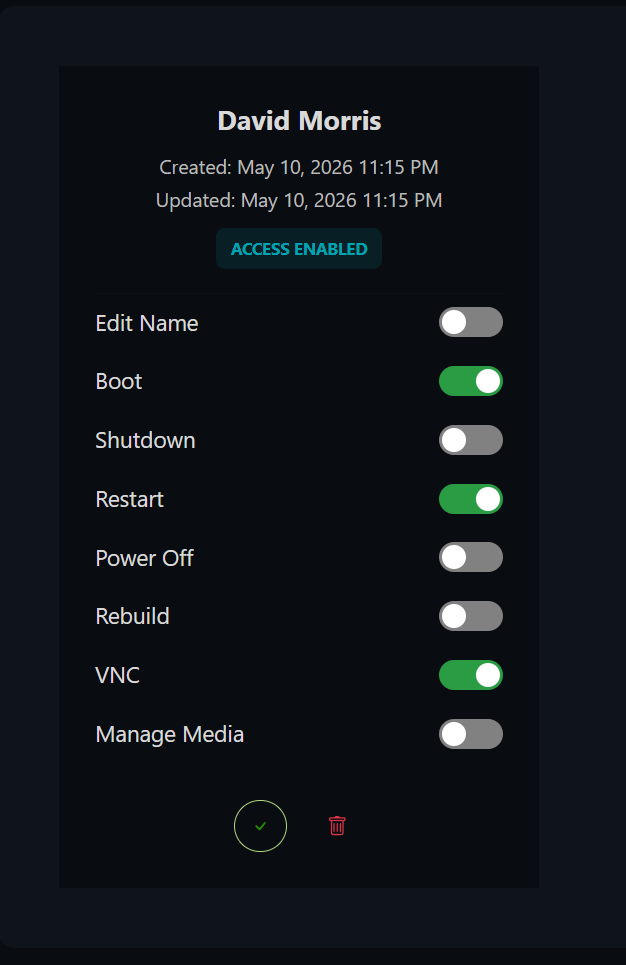
Just clicking the toggle will enable it. You do not click the check button. If you want to temporarily disable this user's access, you can do so by clicking the green check in the circle at the bottom.


